Internal Linking: The Most Overlooked SEO Advantage
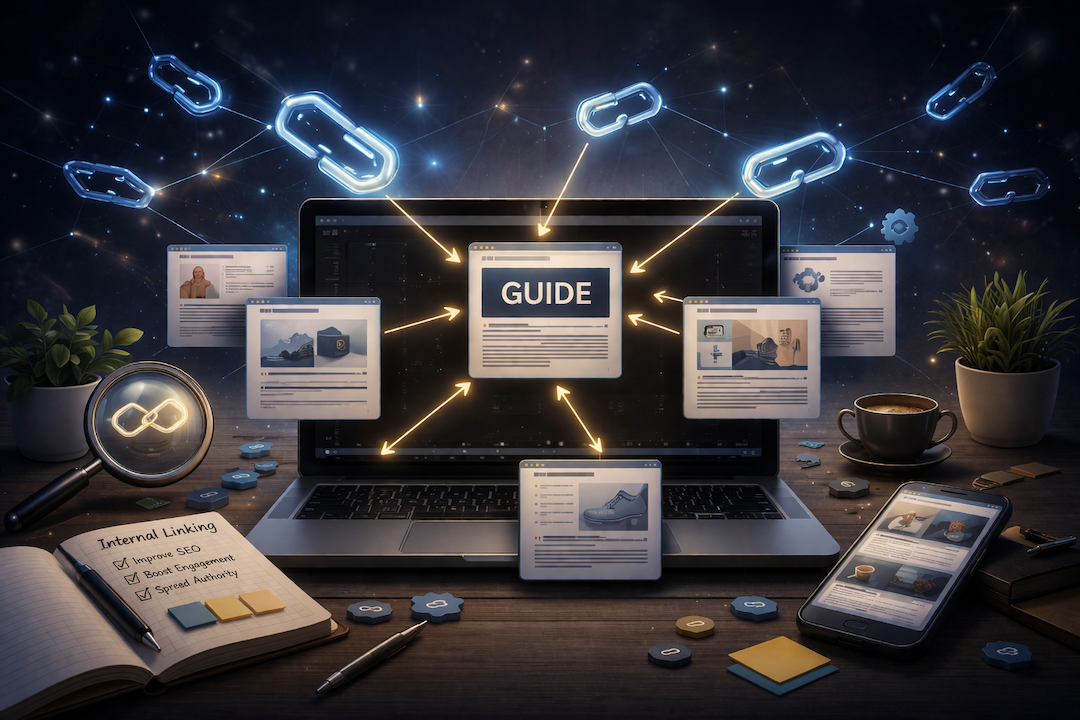
Internal linking is the practice of linking from one page on your website to another page on the same website. It sounds simple — and it is. However, it is also one of the most underused SEO levers available. A deliberate internal linking strategy helps search engines discover your pages, understand how they relate to each other, and decide which ones are most important. Most sites leave all of this to chance.
This article explains what internal linking is, why it matters for SEO, and how to do it well without any specialist tools.
What Internal Links Are and How They Differ from External Links
An internal link connects two pages on the same website. When your blog article links to a category page, or a category page links to a related product, those are internal links. In contrast, external links point from your site to another website, or from another website to yours.
Why the Distinction Matters
External links from other websites are one of the strongest signals of authority in SEO — they indicate that other sources find your content credible. However, you cannot fully control external links. Internal links, on the other hand, are entirely within your control. You decide which pages link to which, how many links they contain, and what anchor text is used. As a result, internal linking is one of the few SEO levers you can adjust immediately, at no cost.
Why Internal Linking Matters for SEO
Internal links serve three distinct functions in SEO. Understanding all three helps explain why a deliberate strategy produces better results than random linking.
1. They Help Search Engines Find Your Pages
Search engine crawlers — the programs that scan your site — discover pages by following links. A page that is not linked from anywhere else on your site — an orphan page — is easy for crawlers to miss entirely. In addition, pages that are linked from many places on your site are treated as more important and are crawled more frequently. This connects directly to the concept of crawl budget, which is covered in our article on how search engines crawl your site.
2. They Distribute Ranking Authority
Every page on your site has a certain amount of ranking strength. Internal links pass a portion of that authority from one page to another. As a result, linking from a strong page — your homepage, a popular blog article, a well-ranked category page — to a page you want to rank better is one of the most direct ways to improve that page's performance.
3. They Signal What Your Content Is About
The anchor text of an internal link — the clickable words in the link — tells search engines something about the destination page. Linking to a product page using the anchor text "waterproof hiking boots" reinforces to search engines that the destination page is relevant for that term. In contrast, linking with generic anchor text like "click here" passes authority but communicates nothing about the destination.
What Happens When Internal Linking Is Ignored
Sites without a deliberate internal linking strategy tend to have the same set of problems. Recognizing them is the first step to fixing them.
Orphan Pages
An orphan page is a page with no internal links pointing to it. Crawlers may never find it. Even if it was indexed when first published, it may drop out of the index over time if crawlers stop visiting it. For ecommerce stores, orphan pages often occur when products are added to the catalog but not linked from any category page or blog article.
Authority Trapped at the Top
Without deliberate linking, ranking authority tends to accumulate on a site's top-level pages — the homepage and main navigation pages — without flowing down to the product and category pages that actually drive revenue. However, a simple linking strategy from category pages to products, and from blog articles to categories, redistributes that authority to the pages that need it most.
Missed Relevance Signals
When related pages are not linked to each other, search engines cannot see the connections between them. A blog article about choosing hiking boots that never links to the hiking boots category page is a missed opportunity — for both the reader and the search engine.
A simple way to visualize this
Think of internal links as roads between pages. The more roads lead to a destination, the more important that destination appears. A page with no roads in is hard to find. A page with many well-traveled roads becomes a central location that search engines return to often.
A Simple Framework for Internal Linking
You do not need a complex strategy to get the benefits of internal linking. A simple framework applied consistently produces strong results.
Link Up, Link Down, Link Across
Every page on your site should ideally do three things. Link up — connect to the higher-level page it belongs to, such as a product linking to its category. Link down — connect to related lower-level pages, such as a category linking to its products. Link across — connect to related content on the same level, such as a blog article linking to a related article or a relevant category page.
Use Descriptive Anchor Text
Anchor text should describe the destination page accurately. Instead of linking with "read more" or "click here," use the name of the page or a phrase that reflects its topic — "ecommerce SEO best practices" or "Shopify collection page optimization." However, avoid over-optimizing by using the exact same keyword-heavy anchor text on every link to the same page. Natural variation reads better and avoids appearing manipulative to search engines.
Prioritize Your Most Important Pages
Start by identifying the pages that matter most to your business — your main category pages, your highest-margin products, your most important service pages. Then look at which strong pages on your site could reasonably link to them. Adding a few targeted internal links from high-authority pages to underperforming ones is one of the fastest ways to see ranking improvements.
Quick Wins for Ecommerce Sites
For ecommerce stores, the highest-return internal linking improvements are usually straightforward.
Add introductory content to category pages that links to related sub-categories and featured products — this creates a natural linking structure that did not exist when the page was just a product grid.
Link from blog articles to relevant category and product pages. Every informational article should have at least one link back into the catalog.
Check for orphan products — items in your catalog that are not linked from any category page, collection, or blog article. These are easy to identify and easy to fix.
Add a related products section to product pages. This creates internal links between products and keeps visitors engaged — while also distributing authority across the catalog.
Key Takeaways
- Internal links connect pages on the same website. They are entirely within your control and require no specialist tools to improve.
- Internal links serve three SEO functions: helping search engines find your pages, distributing ranking authority, and signaling what pages are about through anchor text.
- Orphan pages — pages with no internal links pointing to them — are invisible to crawlers and tend to drop out of search results over time.
- The most practical framework is to link up (to parent pages), link down (to child pages), and link across (to related content) from every page.
- Use descriptive anchor text that reflects the destination page's topic — not generic phrases like "click here" or "read more".
- For ecommerce stores, the quickest wins are adding content to category pages, linking blog articles to the catalog, and fixing orphan products.
Frequently Asked Questions
What is internal linking in SEO?
Internal linking is the practice of linking from one page on your website to another page on the same website. In SEO, internal links help search engines discover pages, distribute ranking authority across the site, and understand the relationship between different pieces of content. They are one of the most controllable SEO factors available.
How many internal links should a page have?
There is no fixed number. The practical guidance is to link naturally — add links where they genuinely help the reader navigate to related content. Most pages benefit from at least two or three internal links. However, avoid stuffing pages with links purely for SEO purposes, as this dilutes the value of each individual link and can appear manipulative to search engines.
Does anchor text matter for internal links?
Yes. The anchor text of an internal link — the clickable words in the link — tells search engines something about the destination page. Descriptive anchor text reinforces relevance signals. Generic anchor text like "click here" passes authority but communicates nothing about the destination. Use natural, descriptive phrases and vary them slightly across multiple links to the same page.
What is an orphan page?
An orphan page is a page on your website that has no internal links pointing to it from other pages. Search engine crawlers discover pages by following links, so orphan pages are easy to miss. Even if they were indexed when first published, they may fall out of the index over time if crawlers stop visiting them. Fixing orphan pages by adding relevant internal links is a quick, high-impact SEO improvement.